
start
Media Manager


![[root]](/start?ns=&tab_files=files&do=media&image=fester%3A48fc9b5a210b53d67e386a42ffd5d82f.png)


Media Files
- Media Files
- Upload
- Search


Upload to [root]
Upload a file to the current namespace here. To create subnamespaces, prepend them to your filename separated by colons after you selected the files. Files can also be selected by drag and drop.
Upload max. 128 MB per file. List of allowed file extensions jpg, jpeg, gif, png, webp, ico, mp3, ogg, wav, webm, ogv, mp4, vtt, tgz, tar, gz, bz2, zip, rar, 7z, pdf, ps, rpm, deb, doc, xls, ppt, rtf, docx, xlsx, pptx, sxw, sxc, sxi, sxd, odc, odf, odg, odi, odp, ods, odt, svg
File
- View
- History

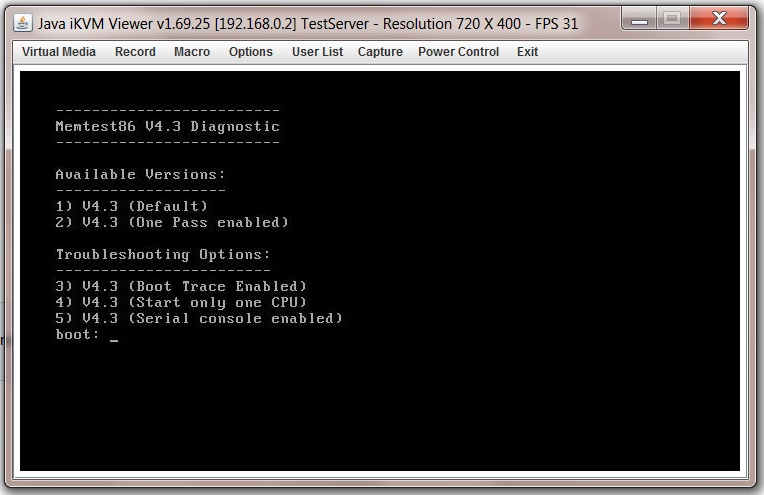
- Date:
- 2016/06/08 23:35
- Filename:
- 48fc9b5a210b53d67e386a42ffd5d82f.png
- Format:
- PNG
- Size:
- 129KB
- Width:
- 764
- Height:
- 495
- References for:
- hvalid_ram
- hvalid_ram
start.txt · Last modified: by dan